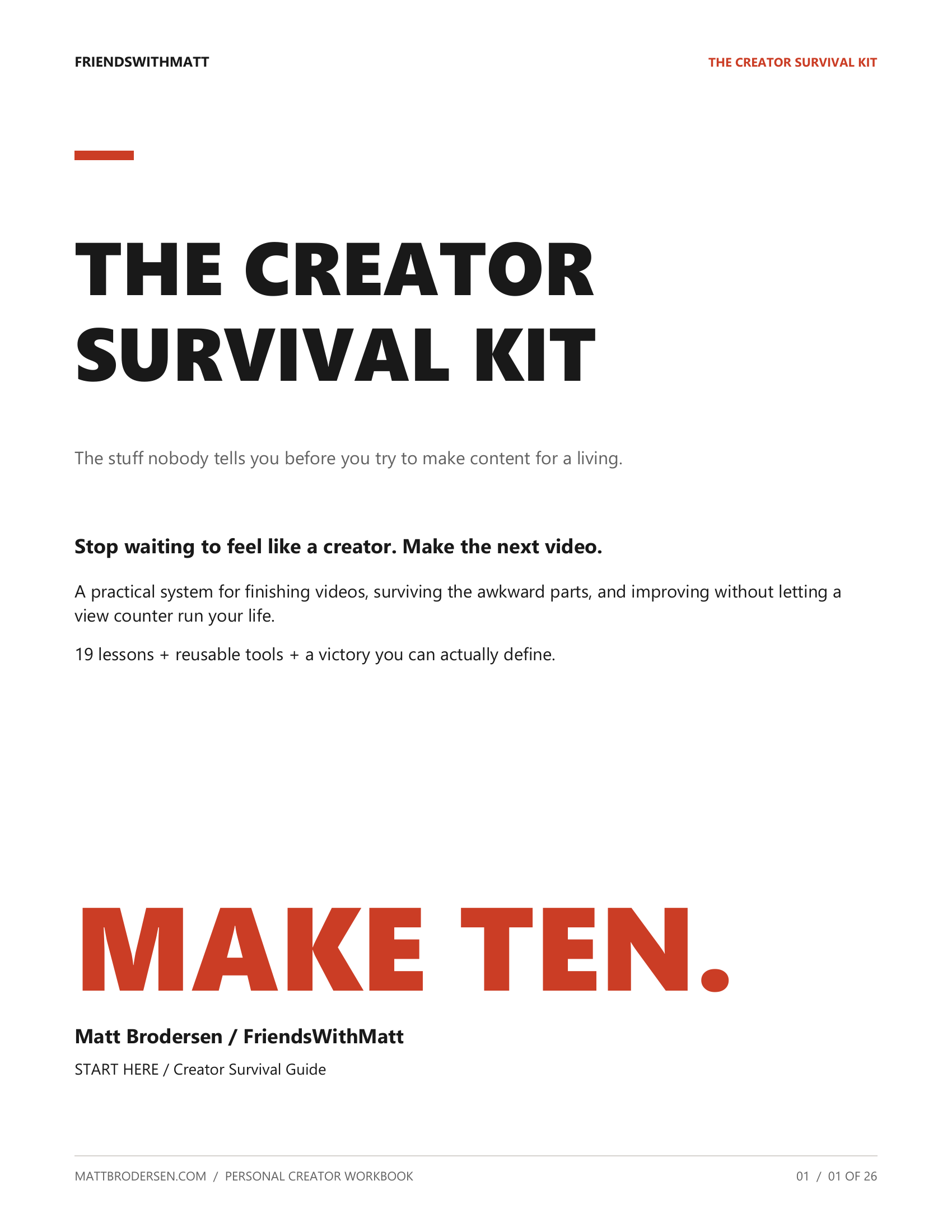
The Creator Survival Kit
Make the ten videos you keep saying you're going to make.
A digital creator care package by Matt Brodersen / FriendsWithMatt. Practical tools for planning, finishing, and learning from your next videos.
11 resources · 88 PDF pages
Printable PDFs + editable browser worksheets + text files.
Digital download. Nothing ships to your door.
Define your victory
You said ten.
Make ten.
If you planned ten videos and made ten videos, you won. The first three getting ignored doesn't get to rewrite the agreement.
I built this kit from lessons I learned growing a YouTube channel to 56,000 subscribers. Edit forward. Get used to looking a little stupid. Practice the craft. Keep your standards.
Then look at what happened, improve one thing, and make the next one.
Matt Brodersen / FriendsWithMatt
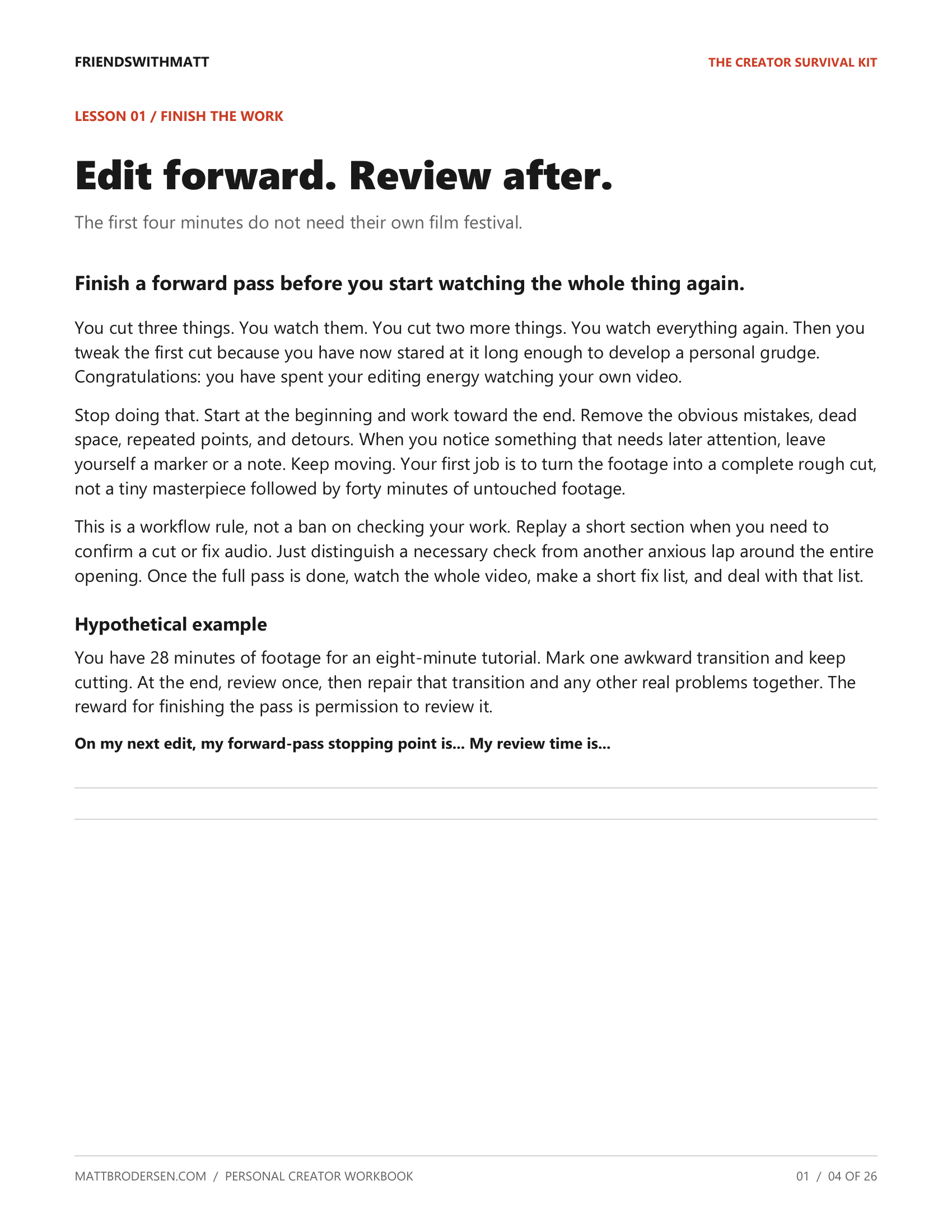
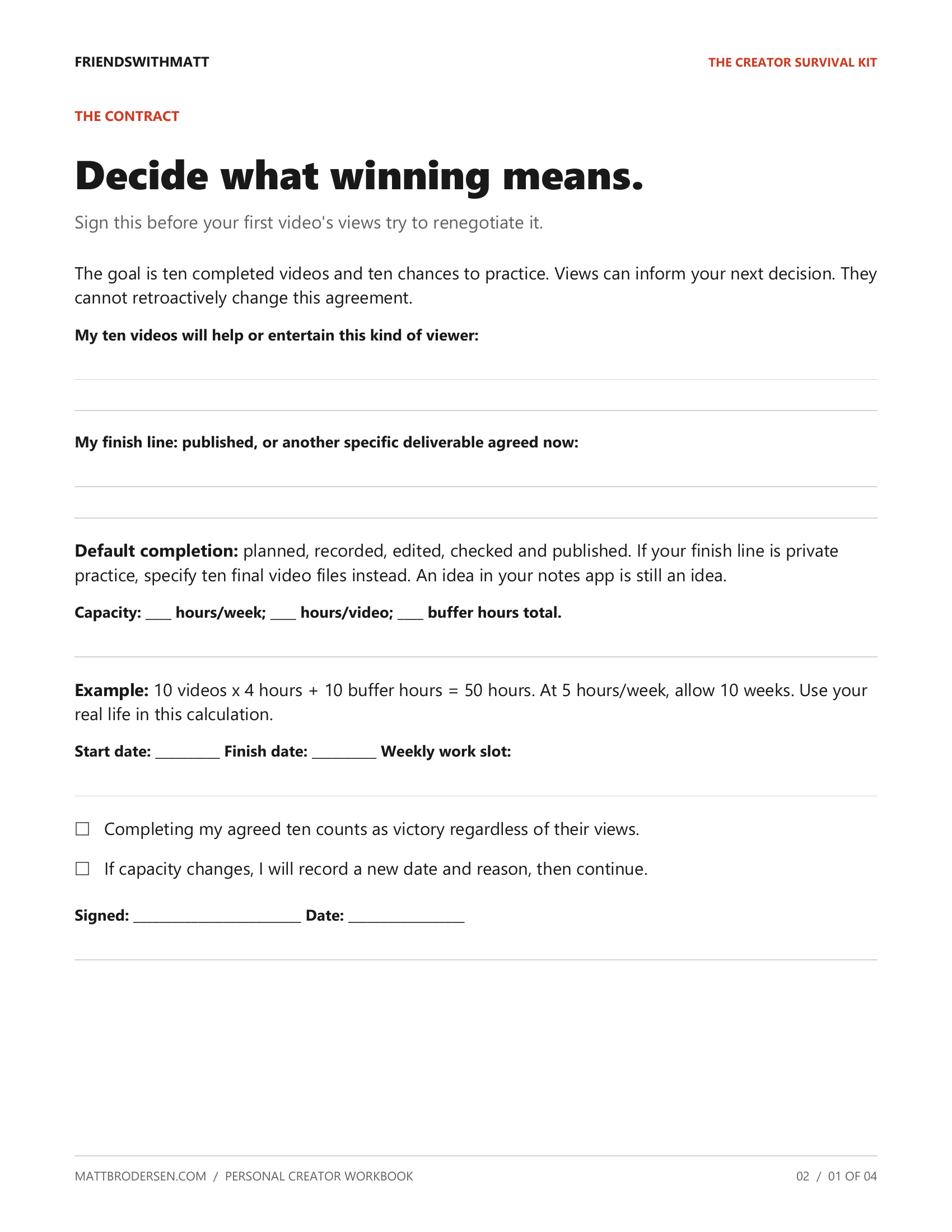
Actual pages from the kit
Here's what you'll use.
Everything in the download
One kit. Tools for the whole process.
Examples to get you started.
Reusable pages for your own work.
- 26 pages
Creator Survival Guide
19 direct lessons about the work, the awkward parts, and keeping your head when the views don't cooperate.
- 4 pages
10-Video Victory Challenge
Define done, choose a deadline, track ten finished videos, and keep the lessons from every attempt.
- 5 pages
Ultimate Video Planner
Work out the viewer, promise, hook, title, thumbnail, and filming plan before you press record.
- 3 pages
Forward-Only Editing System
Finish a complete rough cut. Then review and repair. Your first two minutes can stop holding you hostage.
- 3 pages
Trend vs Evergreen Worksheet
Decide when an idea expires, how long it takes to make, and whether a lasting angle is the better choice.
- 2 pages
Shareability Test
Name the person who would send the video, the person receiving it, and the reason they would care.
- 3 pages
Creator Identity Builder
Be yourself, a little extra. Define your voice, standards, audience, and personal boundaries.
- 27 pages
50 Actually Useful AI Prompts
Specific inputs and quality checks for ideas, research, scripts, titles, promotion, and learning from results.
- 4 pages
Publishing Checklists
Catch avoidable mistakes before publishing and choose a useful next step when a video underperforms.
- 5 pages
30-Day Creator Challenge
Daily actions toward four finished videos, with a realistic pace and room to catch up.
- 6 pages
Bonus: My AI Creator Workflow
A worked example from a raw idea to a finished video, with your judgment in charge.
Start with one idea
Make this part of making videos.
Read the quick start.
Choose your first idea and define your ten-video victory. Your deadline should fit your actual life.
Keep a worksheet beside you.
Print the pages you need, or type into the browser versions and save your filled-in copy.
Finish. Review. Repeat.
Use the checklists to publish, note one useful lesson, and move to the next video.
Before you buy
A few things to know.
Who is this for?
Creators who have ideas but struggle to finish, keep restarting, or let every upload's views decide how they feel about the work. The examples focus on YouTube, and many of the planning habits work for other video platforms.
What files do I get?
One ZIP containing 11 PDF resources, editable HTML versions you can open in a browser, editable Markdown text, and a plain-text prompt collection. The START HERE index shows where to begin. The PDFs are for reading and handwriting; use the HTML versions to type your answers.
Do I need paid AI software?
No AI tool is required to use the planning system. The prompts are optional. Any AI service account, available features, and fees are separate from this purchase.
Do I have to make ten videos in thirty days?
No. The ten-video challenge has its own deadline. The default thirty-day plan works toward four finished videos. Adjust the pace to your format, time, and capacity.
Is this a course or coaching program?
It's a downloadable toolkit with written lessons, worked examples, and worksheets. Coaching and video lessons are not included. The kit does not promise views, subscribers, income, or a viral video.
Can I use it for my monetized channel?
Yes. Use the tools to plan, create, and market your own content. The kit files themselves are for your own use; do not resell or redistribute them.
Your next video can start here
Pick the idea.
Actually press record.
Get the Creator Survival Kit for $19 USD.
11 resources. Printable and editable. Yours to put to work.
If you're feeling like there's no way this will ever work then YOU are FriendsWithMatt.← Back to FriendsWithMatt